Skip to content

UKFor rooms that do double duty

Make room for work.

UK home office guides for bedrooms, shared rooms and small flats. Compare desks, chairs and equipment by the measurements that matter.

  • Manufacturer documents
  • UK product listings
  • Clear fit checks
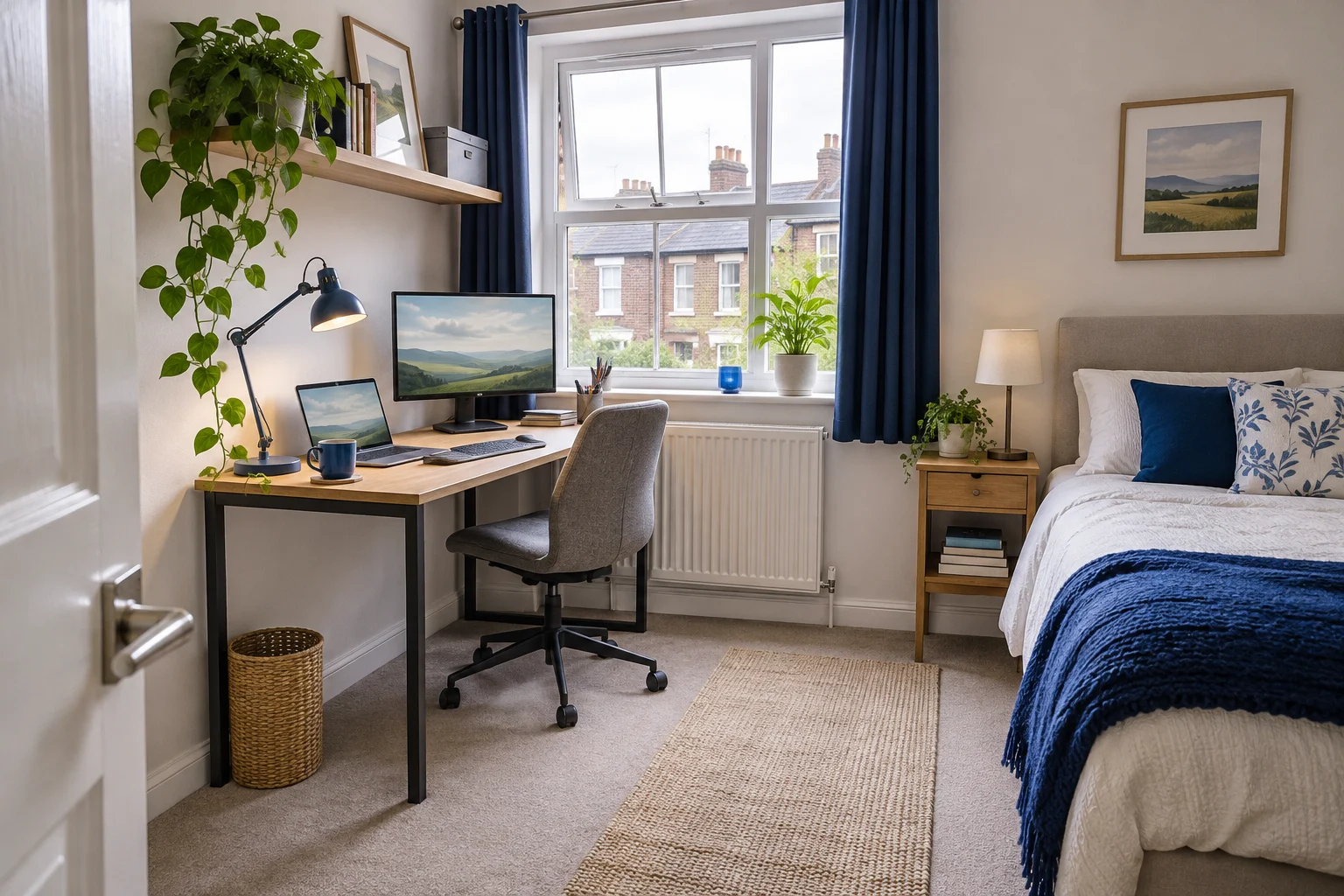
Compact wooden desk with a monitor arm and grey chair in a small room
Home office layout

Measure the whole setup. Allow for the chair, cables and the way through the room.

Start here

What needs to fit?

Choose the furniture, equipment or room you are working on. Start with the fit checks, then compare your options.

01 · SURFACE FIT

Desks

Find a work surface that fits the room, chair and equipment.

Measure these first
  • Width
  • Depth
  • Height
Explore Desks →

02 · SEATED FIT

Office chairs

Check the seat and armrests against your body and desk.

Measure these first
  • Seat height
  • Seat depth
  • Arm clearance
Explore Office chairs →

03 · SCREEN FIT

Monitor arms

Make room on the desk without bringing the screen too close.

Measure these first
  • VESA pattern
  • Screen weight
  • Clamp edge
Explore Monitor arms →

04 · REACH FIT

Desk accessories

Make room for the everyday things you actually use.

Measure these first
  • Footprint
  • Height
  • Cable slack
Explore Desk accessories →

05 · ROOM FIT

Small-room setups

Make a desk work in a bedroom, shared room or small flat.

Measure these first
  • Floor space
  • Light
  • Access
Explore Small-room setups →

Before you buy

Three checks worth making first.

Browse all guides

A useful fit check

Will an arm fit your screen and desk?

A monitor arm can free up desk space, but the screen, clamp and wall gap all need to work together. Use the fit finder to check published limits and see what to measure next.

Try the monitor-arm fit finder Read the shallow-desk guide
Top view showing the arm elbow, rear gap and usable desk depth

Inside our buying guides

Desks, chairs and screen mounts.

A compact desk, an adjustable chair and a single-screen arm. Read the fit checks and compare the alternatives before choosing.

For a compact open front

VASAGLE LWD40X writing desk

A 100 × 50 cm surface and open front suit a compact laptop or single-screen arrangement.

Check before you buy

Check the rear bracing, the 75 cm working height and the usable depth with cables in place.

  • 100 × 50 cm top
  • 75 cm worktop
  • Open front with rear bracing
See on Amazon UK
Compare compact desks

Manual pad position and depth

SIHOO M18, black

The M18 has a mesh back, a padded seat and a lumbar support you can adjust up and down or forwards and backwards.

Check before you buy

Set the pad height before adding pressure. Check whether your back can rest evenly against the chair while you type.

  • Adjustable lumbar height
  • Adjustable lumbar depth
  • Padded seat and mesh back
See on Amazon UK
Compare adjustable lumbar support

An everyday adjustable screen

Invision MX200

The gas-assisted arm suits a single compatible screen you move between tasks. It frees the desk from a broad stand and gives you a choice of edge clamp or through-desk fixing.

Check before you buy

A centred clamp can leave the elbow in the way of the wall. Check whether the clamp can sit to one side while keeping the screen centred. Match the fitting diagram to the base supplied.

  • 19–32″
  • 2–9 kg
  • VESA 75 × 75 or 100 × 100 mm
See on Amazon UK
Compare single monitor arms

Rooms that do double duty

Work with the room you have.

Explore room layouts

The guides explain what to measure in your own space.

How we choose

Details you can check.

How we research our guides

Exact model documents

We use published dimensions, fitting instructions and manufacturer documents for the specific model.

Clear comparisons

Compare the usable dimensions, adjustments and limitations against the space and equipment you have.

Honest about fit

Our guides link to their sources and explain what to ask when an important measurement is missing.